Launch offer ₹399 ₹1,999 80% off · ends 31 Dec 2026, 11:59 pm IST --days--hrs--min--sec
Get the recipe book · ₹399
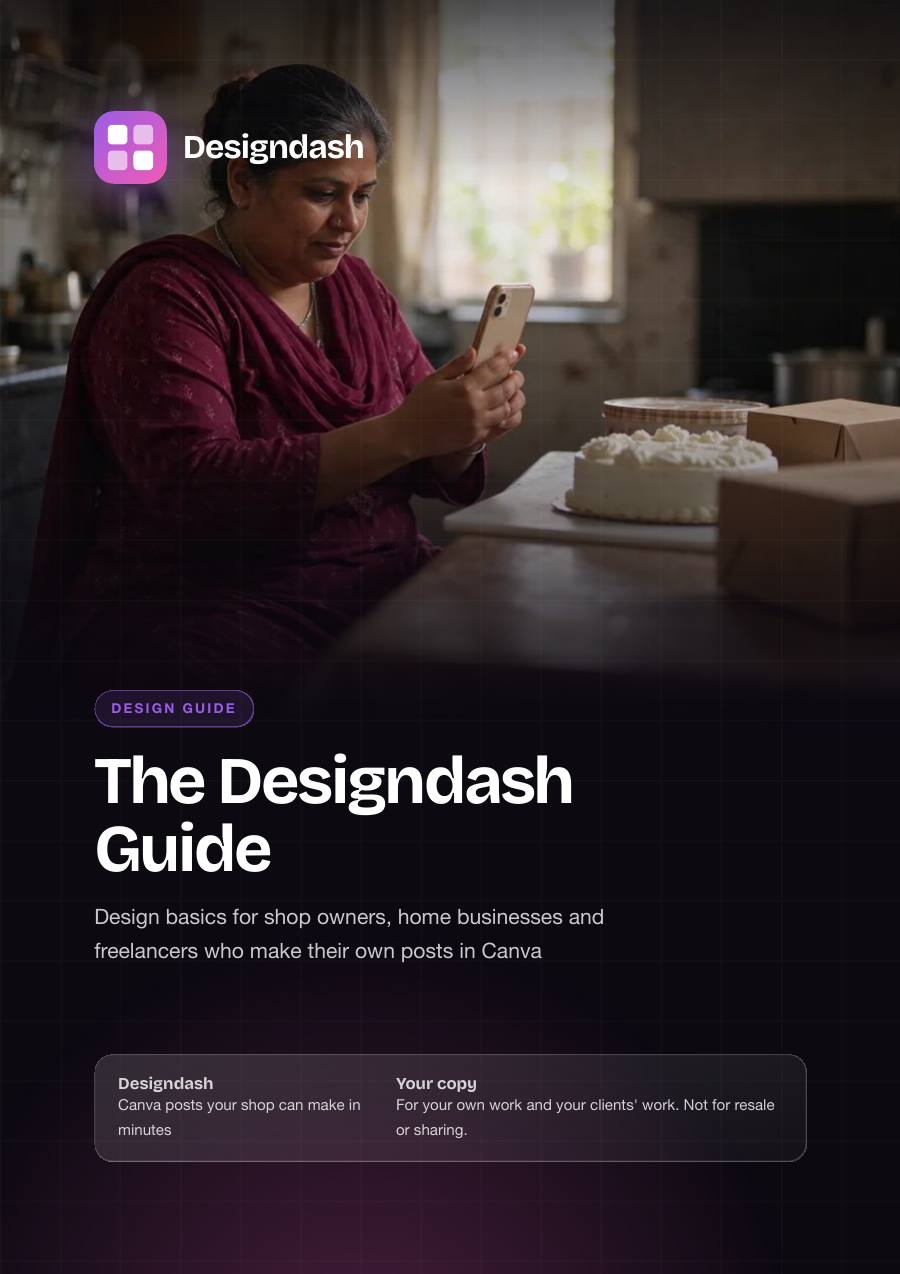
For shop owners, home businesses and freelancers

Make clean Canva posts, reel covers and menus for your shop in minutes, without a designer

50 design recipes with the exact size, fonts, colours and steps, a plain-words design guide and a content calendar workbook, so every post looks like your shop and says what you sell.

  • Type the size, follow five steps, paste the text: posts, offers, reel covers, stories, menus and festival greetings
  • Set your colours, fonts and logo once in a brand kit, then reuse them in every design
  • Plan a month of posts in one sitting and design the week's posts in one evening
Get the recipe book · ₹399 ₹1,999 Save ₹1,600
Launch offer ends 31 Dec. One payment.
  • UPI · cards · netbanking
  • GST invoice
  • Download in under a minute
3files · PDF · XLSX
10,000+bonus ebooks, free
7 daysto download, yours to keep
₹399 ₹1,999once · GST included
See it work

See a recipe

Recipe 12, the flat price sale post, filled in for a fictional kurti shop in Indore.

Sample written for this page. Your design will use your own photos, colours and details.

Designdash · prompt → result
You paste

Canvas 1080 × 1350 px. Fonts: Bebas Neue for the price line, Poppins for details. Colours: background #FFF3B0, price block #335C67, text #540B0E. Text: ALL [CATEGORY] / FLAT [PRICE] / [NUMBER] designs to choose from / Till [DATE] or till stock lasts / [SHOP NAME] · WhatsApp [NUMBER]. Filled in: ALL COTTON KURTIS / FLAT SALE PRICE / 40 designs to choose from / Till Sunday or till stock lasts / Rangrez Kurti House · WhatsApp 98XXX XXXXX.

The AI answers

Custom size 1080 × 1350 px, background set to pale yellow #FFF3B0

A teal rounded block, 900 × 500 px with corner radius 40, in the middle of the canvas

The flat price line in Bebas Neue at size 160, white, inside the block

ALL COTTON KURTIS above the block in Poppins at size 54, dark red

Three kurti photos in a row below the block, each 280 px wide, shot on the same white wall

The end date and WhatsApp number at the bottom at size 40, with 80 px of empty space to the edge

Three-second test at arm's length: offer, product and how to order all readable

Sound familiar?

You know your product. Making posts for it is what eats the evening.

01

Every post starts from a blank page

You open Canva, scroll templates for twenty minutes, pick one that looks nothing like last week's, and still are not sure where the price should go.

02

Posts look busy but say little

Five fonts, three colours, a stock picture and the phone number squeezed into a corner. Customers scroll past without knowing what you sell or how to order.

03

Instagram crops the part that mattered

The template was the wrong size, so the price or the date got cut off in the grid or under the reply bar, and you only noticed after posting.

There is a simpler way: fixed decisions, finished layouts, and a quick check before every post.

Why this matters

The week it got easier

Picture a home baker in Pune who takes cake orders on WhatsApp. She posts when she remembers, usually late at night, using whichever Canva template catches her eye. Her feed is a mix of fonts and colours, the festival posts are the same images everyone in her society shares, and she is never sure which posts brought orders.

The cost is not only the hours. Her cakes are good, but her posts do not show it. A blurry tube-light photo, a script font for the price, the phone number at size 20. People who would order simply do not stop.

Then she spends one hour choosing two colours, two fonts and a corner for her logo, and writes them down. She takes twenty photos by the window one morning. She plans four weeks in a sheet, and designs the first week's posts in one evening by changing only the photo and words in the same layouts.

Her posts now look like one shop, and each one answers what it is, what it costs and how to order. That is what this kit teaches, one design at a time.

The way out

Three steps, then repeat every week

Decide the look once, plan once a month, and design in batches. The slow thinking happens one time; after that, each post is a recipe with your photo and words.

  1. 01

    Set your brand kit once

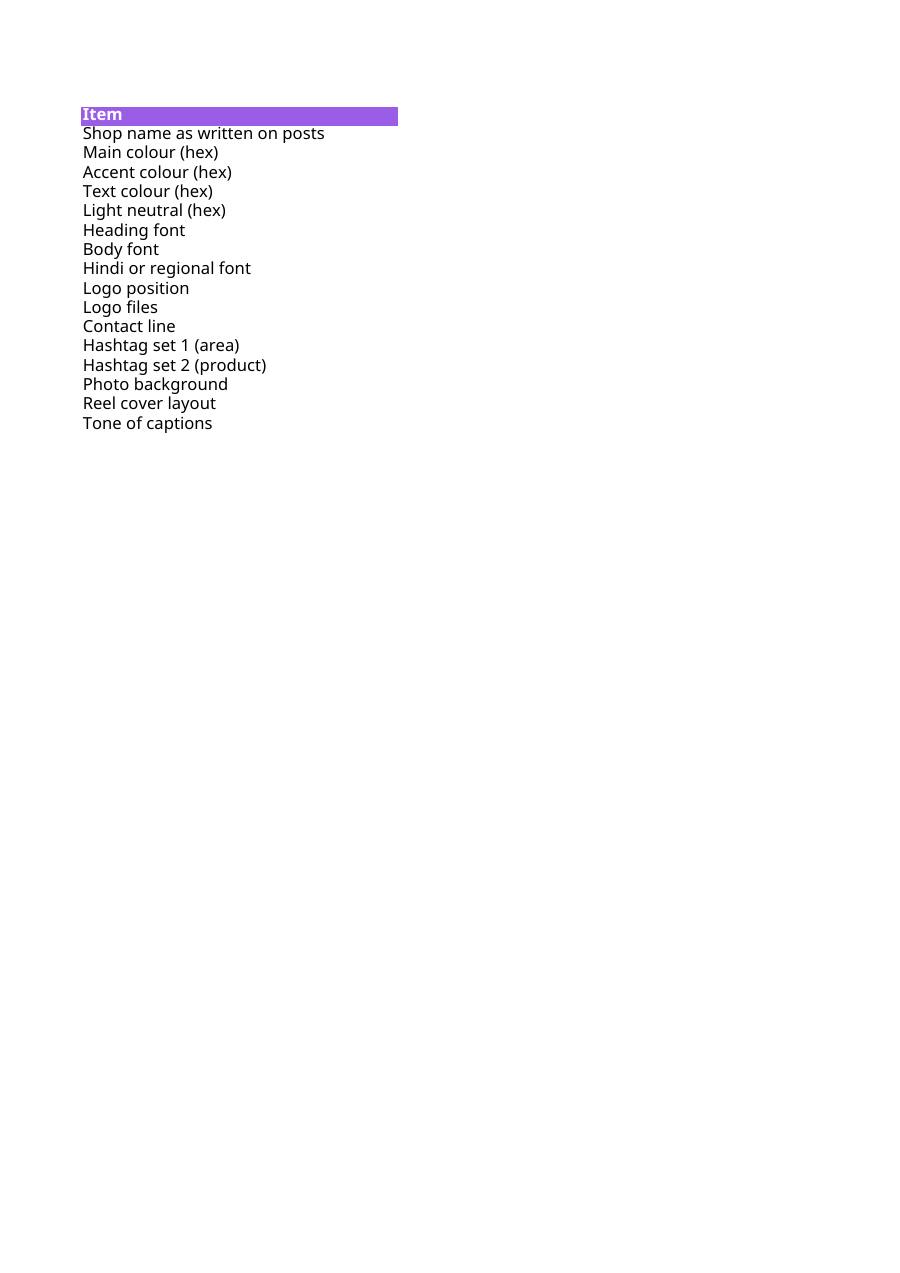
    Choose two or three colours as hex codes, a heading and body font, your logo corner and a contact line, and write them in the Brand kit sheet.

  2. 02

    Plan the month in one sitting

    Mark festivals and your own events, fill each day with a post type and recipe number, and list the photos to take that week.

  3. 03

    Design, check and post

    Open the recipe, type the size, apply your kit, paste the copy card text, run the three-second test, then log the messages each post brings.

What you will understand

The thinking behind it

Five ideas from the guide. They are useful even if you never buy anything.

I

One post, one message

A post that sells a product, announces timings and wishes Happy Diwali does none of the three well. Split them into separate posts.

II

Same look, every time

The same two colours, two fonts and logo corner on every post let people recognise your shop before they read your name.

III

Your real work beats stock pictures

A clear phone photo of your own cake or saree, taken in window light, tells a customer more than a polished image a hundred shops also use.

IV

Type the size, never guess it

Feed posts at 1080 × 1350 px, stories and reels at 1080 × 1920 px, with text kept away from the edges the app covers.

V

Removing is usually the fix

If a post fails the three-second test at arm's length, make the main line bigger and take something away. Details belong in the caption.

What you get

What is inside

Three files that work together: the recipes give you finished layouts, the guide gives you the judgement, the workbook keeps your brand and your month in one place.

The Canva Design Recipe Book

The Canva Design Recipe Book

Every recipe is finished: what it is for, the canvas size, fonts, colours as hex codes and the steps in order, with a copy card of the text to place on the design.

  • 50 recipes in 6 chapters, from everyday posts to festival greetings
  • Offer posts that state the terms clearly: percentage off, flat price, combo, free delivery, last day
  • Reel covers that survive the profile grid crop, and reels made fully in Canva
  • Stories and WhatsApp Status designs that keep text clear of the reply bar
  • Print pieces in millimetres: A4 menu, A5 flyer, thank-you card, price board, QR standee
  • Hindi and regional text tips, and a free-plan way for every Pro feature mentioned
Format
PDF
Files
1
Size
1 MB
Course
1 slide lesson, open for a year
Design Basics for Shop Owners

Design Basics for Shop Owners

Design basics in plain words for people who sell, so you can judge any template and fix what is wrong with it.

  • A brand kit in one hour: colours, font pairs, logo place and contact line
  • A size table for posts, stories, reels, Google and print
  • The layout order and the three-second test
  • Product photos with a phone in window light
  • A weekly posting rhythm and a monthly planning sitting
  • Worked examples from a home bakery, a saree shop and a tutor, plus ten mistakes to avoid
Format
PDF
Files
1
Size
691 KB
Course
1 slide lesson, open for a year
The Content Calendar Workbook

The Content Calendar Workbook

A spreadsheet with five tabs that opens in Excel or Google Sheets. Worked examples show how each sheet should look before you fill your own.

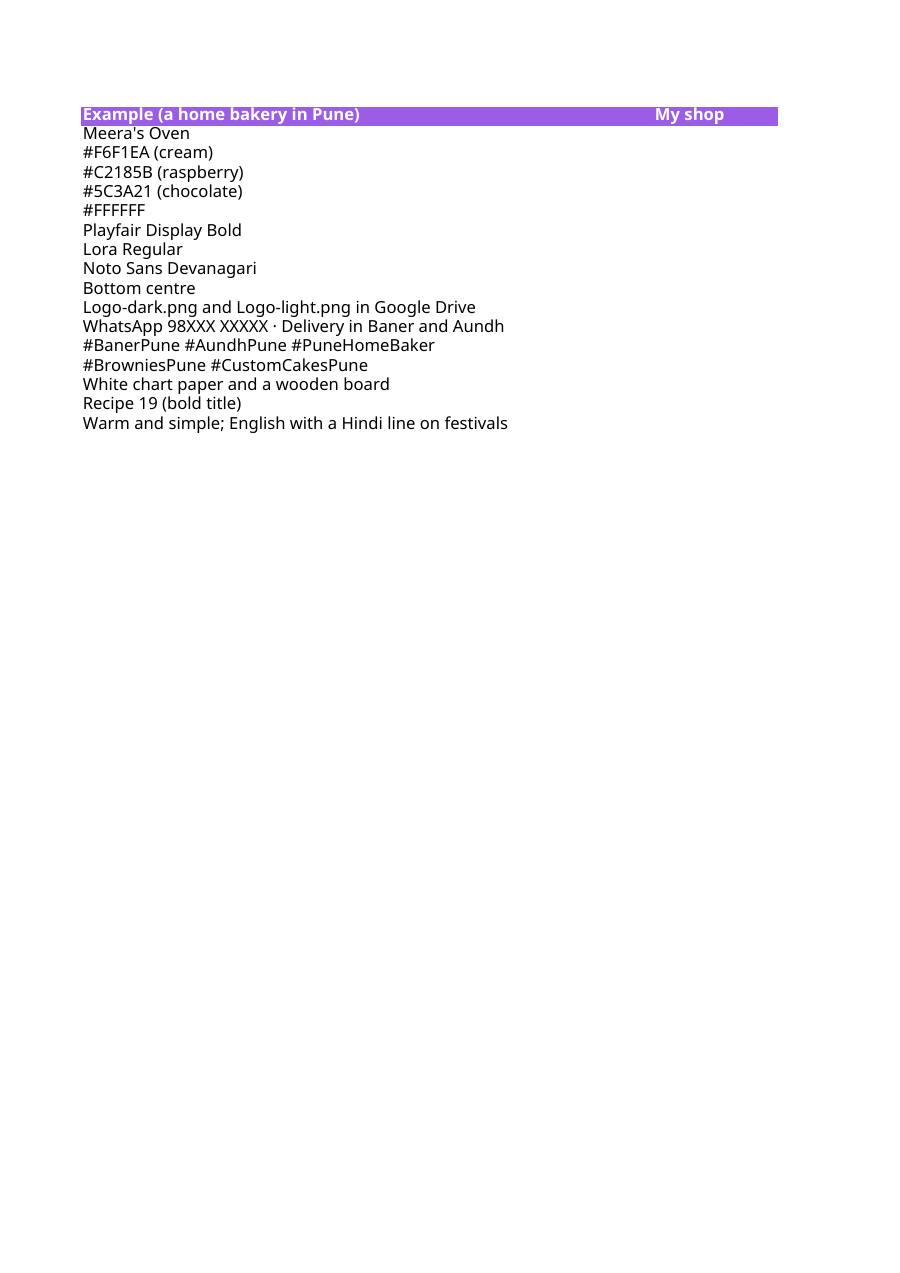
  • Brand kit sheet with a filled example from a home bakery
  • Content calendar for 28 days with post type, recipe number and photo needed
  • Post log for messages and orders each post brought
  • Photo shot list to take a week's photos in one session
  • Size guide with every canvas size, download format and safe area
Format
Spreadsheet
Files
1
Size
16 KB
A look inside

From blank canvas to finished post

Open Canva, create a custom size from the recipe, set your brand colours and fonts, drop in your own photo and paste the copy card text. Duplicate it next week and change only the photo and words.

The Canva Design Recipe Book
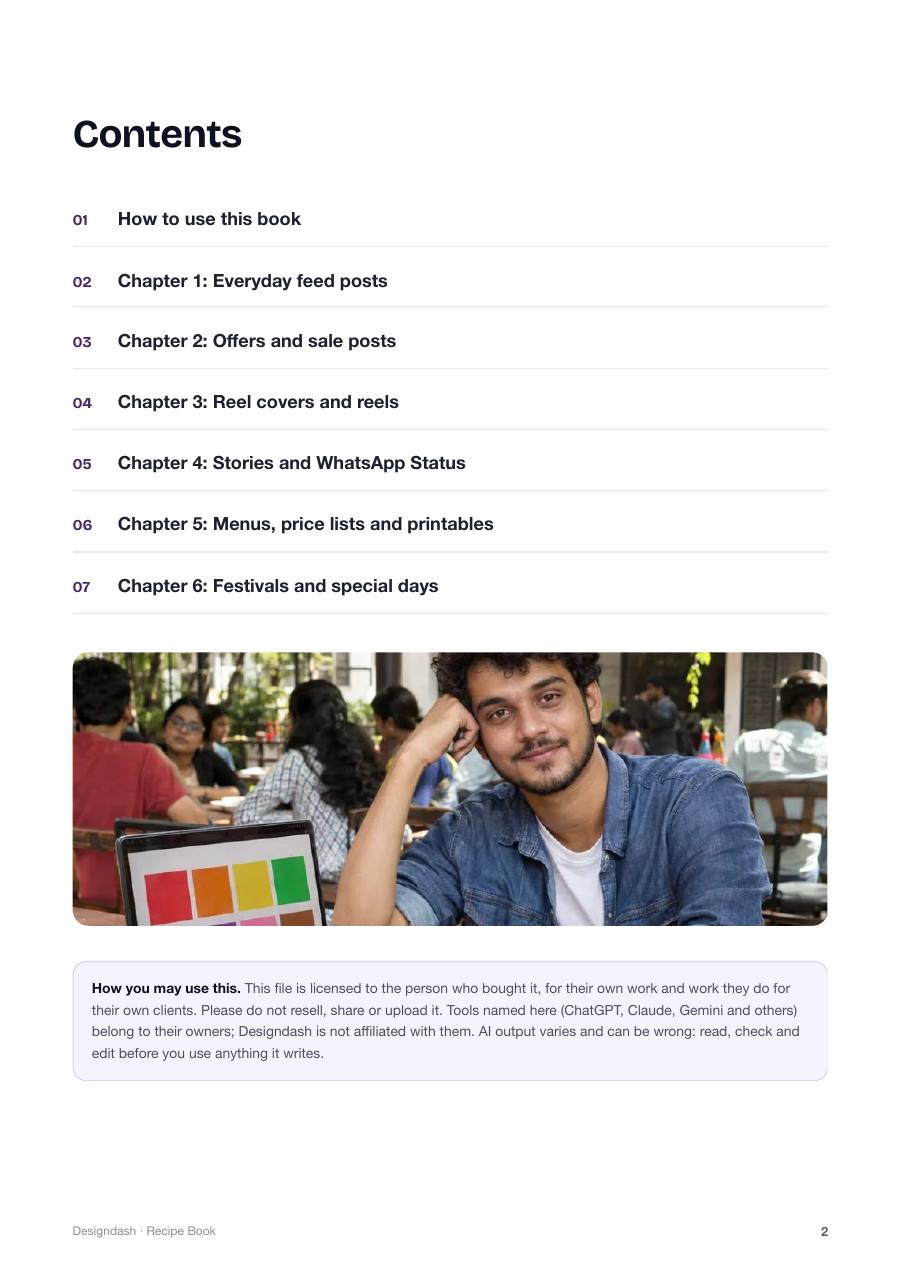
Type the size and set your brand coloursThe Canva Design Recipe Book
The Canva Design Recipe Book
Place your photo and paste the copy card textThe Canva Design Recipe Book
Design Basics for Shop Owners
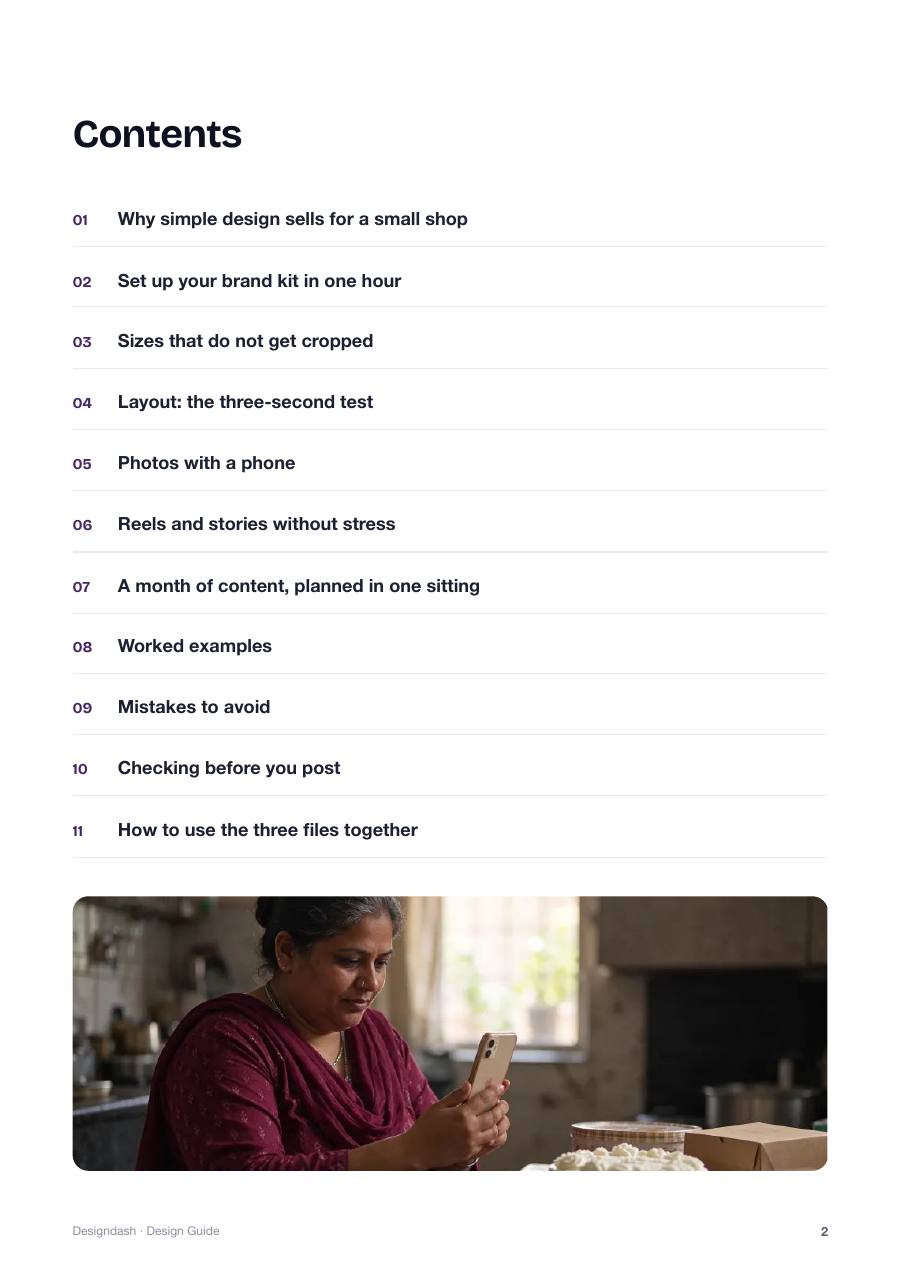
Run the three-second test, download and log itDesign Basics for Shop Owners
Design Basics for Shop Owners
Design Basics for Shop OwnersDesign Basics for Shop Owners
The Content Calendar Workbook
The Content Calendar WorkbookThe Content Calendar Workbook
The Content Calendar Workbook
The Content Calendar WorkbookThe Content Calendar Workbook

These are actual pages from the product, shown smaller. Swipe to see more.

Why people use it

What changes when you work this way

You stop scrolling templates

You open the recipe for what you want to post, type the size and follow the steps. The decisions are already made.

Your feed looks like one shop

The same colours, fonts and logo corner on every design make your posts recognisable at a glance.

Customers know how to order

Every selling recipe ends with the action line, and your contact line is copied from the brand kit, never retyped.

Nothing important gets cropped

Sizes and safe areas are written into each recipe, so prices and dates stay visible in the grid and above the reply bar.

Festivals stop being a last-minute rush

The calendar marks them early, and the festival recipes put your own product at the centre instead of a shared stock image.

You learn what works for your shop

The post log shows which post types and products bring messages, so next month you make more of those.

Your win

Same shop, same products, different posts

Before

  • A new template and new fonts every time
  • Stock pictures that other shops also use
  • Price and phone number cropped or too small to read
  • Posting only when there is time, with no record of what worked

With Designdash

  • Two colours, two fonts and the logo in the same corner
  • Your own products, photographed in window light
  • Typed sizes, clear margins and a main line readable at arm's length
  • A planned month, designs made in batches and a log of messages per post
This is for you if
  • Shop owners who post their own products on Instagram, Facebook and WhatsApp Status
  • Home businesses such as bakers, tiffin services, tailors and boutique owners
  • Freelancers and tutors who need simple, consistent posts and visiting cards
  • Anyone who uses Canva but spends too long deciding how each post should look
Not for you if
  • Professional designers looking for advanced Canva or Photoshop techniques
  • People who want ready-made designs with no photos or details of their own
  • Anyone looking for a promise of followers, reach or sales
Bonus · free with every order

A library of 10,000+ ebooks, yours to download

Along with your Designdash files you get our bonus library: 10,000+ ebooks and ready-to-edit articles with resale rights, sorted by subject, from business and marketing to health, hobbies and self-growth.

  • Instant download links on your order page, the moment your payment is confirmed
  • Browse by subject, or take the whole library as ZIP files
  • No extra charge, with every option on this page
10,000+bonus ebooksFree with your order
Choose how far you go

Pick how much of your Canva posts month you want done for you

Every package includes the Designdash pack, a library of related products to choose from and three crash courses in English and Hindi. Prime adds the Post Recipe tool, and Ultra Prime adds every Designdash product and all the tools. Every package runs for one year. The pack's launch price holds until 31 Dec, 11:59 pm IST.

Instant buy

The Designdash pack, yours to keep

₹399₹1,999

once · GST included

  • The Canva Design Recipe Book
  • Design Basics for Shop Owners
  • The Content Calendar Workbook
  • Bonus: 10,000+ ebooks
  • Download for 7 days
Get the pack · ₹399

Standard

The pack, a library to choose from and three crash courses

₹1,499+ GST

1 year · ₹1,768.82 with 18% GST

  • The Designdash pack (3 products)
  • Your own dashboard for 1 year
  • Library of 250 selected products: download any 10 free, no watermark
  • 3 crash courses, 20 minutes each, narrated in English or Hindi
  • More with Paytrols: 50 for an extra download (up to 50 more)
  • Bonus: 10,000+ ebooks
Get Standard · ₹1,499

Prime

More downloads and your first tool app

₹2,999+ GST

1 year · ₹3,538.82 with 18% GST

  • The Designdash pack (3 products)
  • Your own dashboard for 1 year
  • Library of 250 selected products: download any 25 free, no watermark
  • 3 crash courses, 20 minutes each, narrated in English or Hindi
  • Post Recipe tool app: say what the post is for. Get the exact size, layout, fonts, hex colours and text
  • 4 free tool runs a month
  • More with Paytrols: 50 for an extra download (up to 100 more), 200 for an extra tool run
  • Bonus: 10,000+ ebooks
Get Prime · ₹2,999
Everything, with all 5 tools

Ultra Prime

Every product and all 5 tool apps

₹3,999+ GST

1 year · ₹4,718.82 with 18% GST

  • All 4 Designdash products, kits included
  • Your own dashboard for 1 year
  • Library of 250 selected products: download any 50 free, no watermark
  • 3 crash courses, 20 minutes each, narrated in English or Hindi
  • All 5 tool apps: Post Recipe, Brand Kit Builder, Post Calendar, Post Doctor and Caption Kit
  • 20 free tool runs a month across the tools
  • More with Paytrols: 50 for an extra download, any in the library, 200 for an extra tool run
  • Bonus: 10,000+ ebooks
Get Ultra Prime · ₹3,999

Standard, Prime and Ultra Prime run for 1 year, from payment. Package prices are before GST: 18% is added at checkout. Paytrols are loaded inside your dashboard from your own Paytrol Merchant Account (paytrol.net), where Paytrols are bought. A renewal costs the same as the first year and nothing renews by itself. When a package ends its dashboard closes, the tool apps with it; files you downloaded stay yours. Secure payment by Razorpay, GST invoice with every payment.

Crash courses · in every package

Three 20-minute crash courses in English and Hindi: Set up your shop's brand kit in Canva, Fix any post with the three-second test, and Plan a month and design a week in one evening.

  • Set up your shop's brand kit in Canva
    You will be able to choose your colours, fonts, logo place and contact line once, and apply them to any Designdash recipe.
  • Fix any post with the three-second test
    You will be able to test any post in three seconds, find what makes it unclear and fix it, mostly by taking things away.
  • Plan a month and design a week in one evening
    You will be able to plan a month of posts in one sitting, take the week's photos in one session, design them in one evening and learn from the results.
5 tool apps · one with Prime, all with Ultra Prime

Post Recipe, Brand Kit Builder, Post Calendar, Post Doctor and Caption Kit cover the whole job: fix your look, plan the month, write each design recipe, check posts before they go out and write the captions.

  • Post Recipe · from Prime
    Say what the post is for. Get the exact size, layout, fonts, hex colours and text.
  • Brand Kit Builder
    Describe your shop. Get two hex colours, two fonts, a logo corner and fixed layouts.
  • Post Calendar
    Tell it your month. Get 28 days of posts, a sale plan or a photo shot list.
  • Post Doctor
    Describe your design or paste its words. Get the three-second test, fixes and a cleaner version.
  • Caption Kit
    Tell it what the post shows. Get the caption, hashtags, Status text or reel lines.
Questions

Before you ask

How and when do I get it?

Immediately. After payment you land on a download page with every file, and the same link is sent to your email.

What formats are the files, and what opens them?

The recipe book and guide are PDFs, the workbook is an XLSX that opens in Excel, Google Sheets or any spreadsheet app, and the Ultra Prime pack is a ZIP of PDFs and a sheet. You make the designs in Canva.

Do I need Canva Ultra Prime?

No. Every recipe works on Canva's free plan. Where a recipe mentions a Ultra Prime feature, such as background removal or the content planner, it also gives a free way to get the same result.

Does it work on a phone?

Yes. You can read the PDFs and follow the recipes in the Canva phone app. The workbook is more comfortable on a laptop, but it opens in the Google Sheets app too.

Are these templates I just download?

They are recipes: the size, fonts, colours and steps to build each design yourself with your own photos and details. That way your posts look like your shop, not like everyone else's template.

Is it a one-time payment?

Yes. One payment, no subscription, and the files are yours to keep.

What is the refund policy?

This is a digital product, so there is no refund once the download link has been issued. If a file is broken or missing, write to us and we will replace it or refund you.

How long does the download link work?

For 7 days. Download everything and save it to your own device or drive on the first day. With a package, your files stay open in your dashboard for as long as the package runs.

What is the difference between the pack and a package?

The pack is the Designdash files, paid once and yours to keep. A package adds your own dashboard for one year, a library of selected products and three crash courses in English or Hindi. Standard: download any 10 library products free. Prime: any 25 free, and the first tool app with 4 free runs a month. Ultra Prime: any 50 free, every Designdash product and all 5 tool apps with 20 free runs a month. Package prices are before GST; 18% is added at checkout.

What are Paytrols for?

Paytrols pay for more than a package gives free: 50 Paytrols for an extra library download and 200 for an extra tool run. You buy Paytrols in a Paytrol Merchant Account at paytrol.net and load them inside your dashboard by connecting its merchant card (card number and card key); the Merchant Account must use the same email or mobile number as your dashboard. Standard can load up to 2,500 in a term (downloads only), Prime up to 15,000, Ultra Prime any number. You can send unused Paytrols back to your Merchant Account at any time. Paytrols are STARTIONS credits: they are not money or a cryptocurrency and cannot be exchanged for money.

What happens when a package ends?

Nothing is charged by itself. The dashboard closes, the tool apps with it, and you can renew whenever you like: a renewal costs the same as the first year, less any coupon Designdash gives you. Paytrols left in your dashboard go back to your Merchant Account. Files you have downloaded stay yours.

Can I start with the pack and move up later?

Yes. From your order page you can move to any package and pay only the difference. Inside a package you can also move to a higher one for the difference.

Before you buy

Digital product. Delivered instantly. No refunds once the download link is issued. Please read “What you get” above so nothing surprises you. If a file is broken or missing, we replace it or refund you.

You pay once: there is no subscription. Your download link works for 7 days. Sold and invoiced by STARTIONS LLP, with a GST invoice for every order. Help: support@startions.com.

This is Micro Startup proudly run by students from India.

Your next post can look like your shop and say what you sell

Make clean Canva posts, reel covers and menus in minutes, with your own colours, your own photos and every detail readable.

Get the recipe book · ₹399
₹399 ₹1,999Launch offer ends in …
Get the recipe book